Interactive Viper preview · Teutonic Lead. Settings stay on this page.
GUITAR IN→PEDALS→AMP→DUAL CABS
11 amp heads14 stompboxes15 band genres75 backing grooves
LESS SETUP. MORE PLAYING.
From the first chord to the next take.
01
Choose a sound.
Start with a head and cabinet. Add the pedals you reach for.
02
Start the band.
Pick a groove, set the tempo, and give your riff some company.
03
Keep the take.
Record, listen back, and export a demo when the part feels right.
BAND / DRUMS + BASS15 GENRES / 75 GROOVES
Build the groove.GROOVE
GENRERock ⌄
GROOVEStraight eighths ⌄
RockMetalcoreBluesFunkJazz+10
TEMPO120 BPM
4/4
▶ Play■ Stop
01020304
DrumsKIT
−6.0 dB
MSAcoustic kit
BassINSTRUMENT
−9.0 dB
MSElectric bass
Unified Band screen · interface illustration. Playback and mixing happen in Cassian.
YOUR BACKING BAND, READY TO PLAY
A band that’s already set up.
Drums and bass belong in the same session as your guitar. Cassian’s unified Band screen
puts the groove, tempo and backing instruments together, right where you’re working.
Choose from 15 curated guitar genres and 75 backing grooves. Rock, metalcore, blues,
funk, jazz and more—without drawing MIDI notes or loading another instrument plugin.
A clear horizontal cents meter shows exactly where the note sits, from −50 to +50 cents.
Calibrate the reference to 432 Hz, 440 Hz, 442 Hz, or the pitch your session needs.
Use Standard, Drop D, DADGAD and open tuning presets. Mute guitar monitoring instantly
while you tune, then get straight back to playing.
CHROMATIC TUNERGUITAR MUTED
A4440.00 Hz
REFERENCE 432 / 440 / 442 HzTUNING Drop D · DADGAD · Open G
Interface illustration. Tune your instrument in the Cassian app.
THE GOLDEN 11
Find the voice for the part.
Eleven curated, playable heads. From American high gain and British chime to
open cleans, acoustic DI and bass. Pick a voice for the part; build the rest of your rig around it.
11 / 11 HEADS · All heads
Choose a signature preset to inspect its settings.
01 / American High-Gain
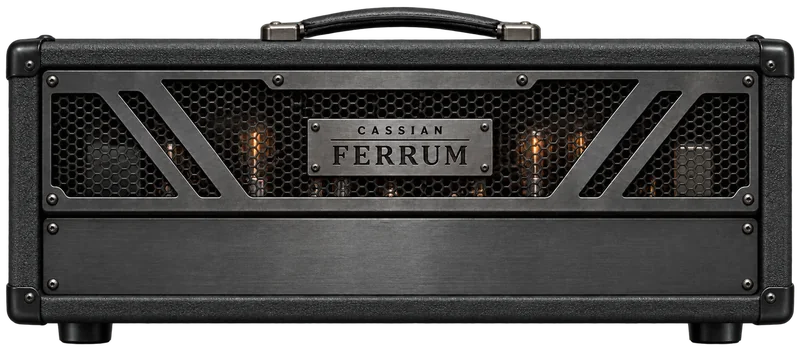
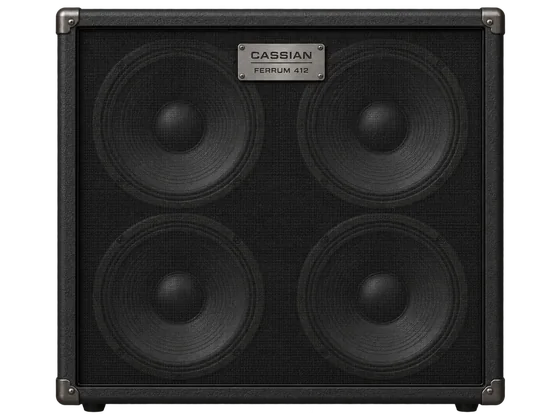
Ferrum
A weighty low end and a firm, percussive attack. Tighten the bass for low-tuned rhythm parts, or open it up for sustained, full-bodied leads.
Sonic DNA / Inspired byPeavey 5150 / 6505
Signature Presets 2 starting points
Gain
7
Bass
6
Mid
4
Treb
7
Pres
6
Visual dial guide · start here, then adjust by ear.
02 / German High-Gain & Multi-Channel Lead
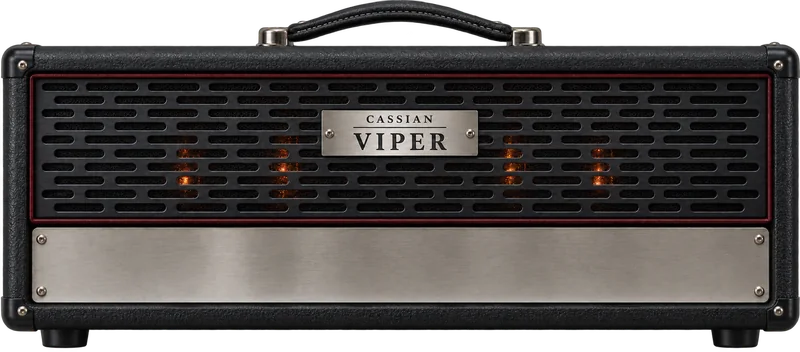
Viper
German-inspired gain with a sharp rhythm edge and a full lead voice. Viper uses your selected capture; Vyper offers original native clean, crunch and lead channels.
Sonic DNA / Inspired byFramus Cobra & multi-channel German lead
Signature Presets 2 starting points
Gain
8
Channel
3
Deep
On
Mid
7
Visual dial guide · start here, then adjust by ear.
03 / Tight Modern High-Gain
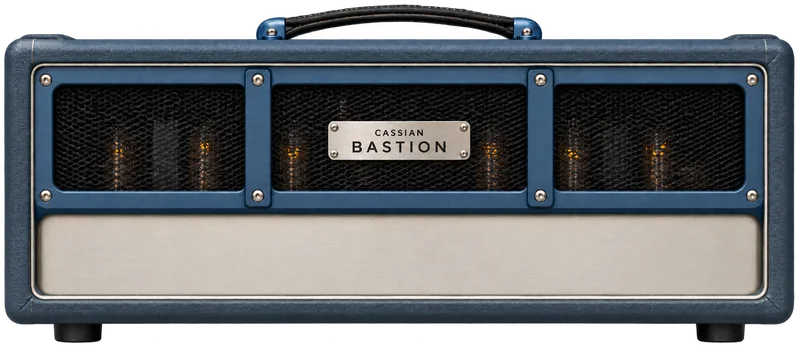
Bastion
Four drive stages, restrained mids and a fast low-end response. Built for the stop-start attack of palm-muted rhythms, with enough sustain to carry a single-note lead.
Sonic DNA / Inspired byMesa/Boogie Dual Rectifier
Signature Presets 2 starting points
Bold/Vacuum
On
Gain
7
Bass
7
Mid
4
Treb
7
Visual dial guide · start here, then adjust by ear.
04 / Singing Overdrive & Harmonic Sustain
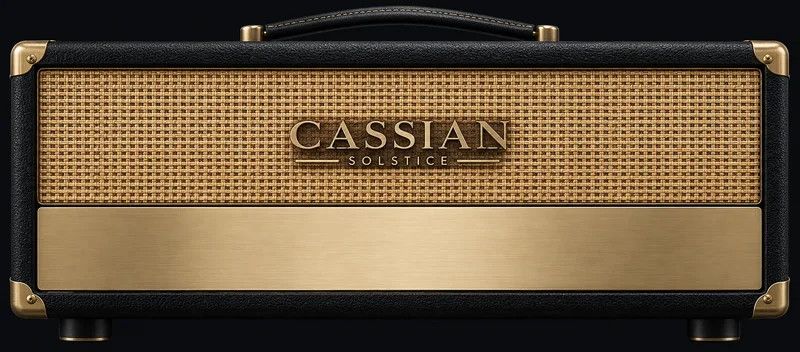
Solstice
A smooth overdrive voice with a soft edge to the attack. Keep the gain modest for touch-sensitive phrases, then push it for a long, singing lead.
Sonic DNA / Inspired bySoldano SLO-100
Signature Presets 2 starting points
Pre
7
Bass
6
Mid
5
Treb
6
Depth
5
Visual dial guide · start here, then adjust by ear.
05 / British Arena Overdrive
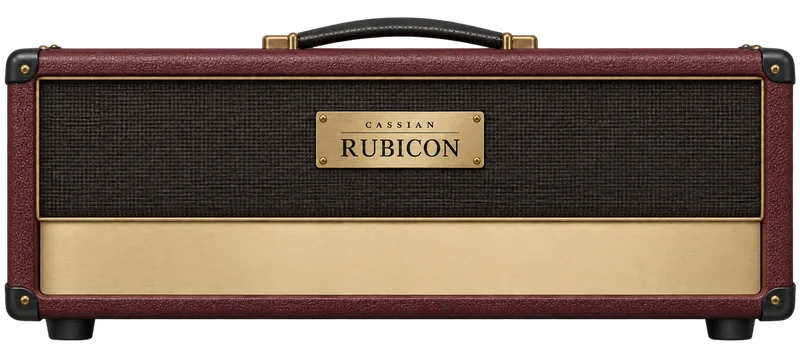
Rubicon
A British-style crunch starting point with grain around the chord and bite in the upper mids. Put a boost in front for an arena-style lead.
Sonic DNA / Inspired byMarshall JCM800
Signature Presets 2 starting points
Pre
8
Master
6
Bass
5
Mid
8
Treb
6
Visual dial guide · start here, then adjust by ear.
06 / British Class-A Chime
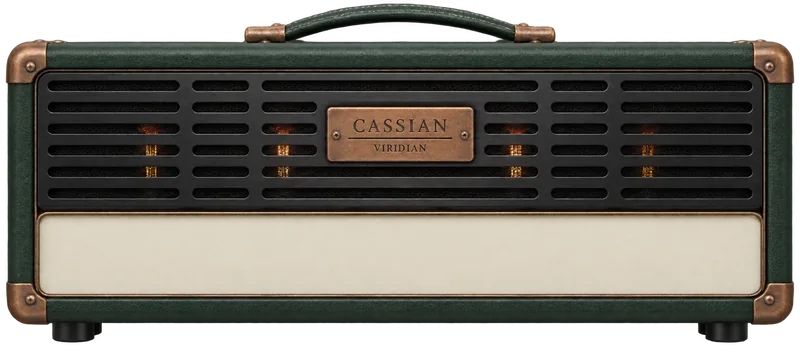
Viridian
Bright, Class-A-inspired chime with a lively upper-mid voice. Let open strings ring, dig into a jangling rhythm, or back off for a gentler, bell-like clean.
Sonic DNA / Inspired byVox AC30 Top Boost
Signature Presets 2 starting points
Cut
4
Top Boost
On
Bass
5
Treb
7
Visual dial guide · start here, then adjust by ear.
07 / Thick Saturated Crunch
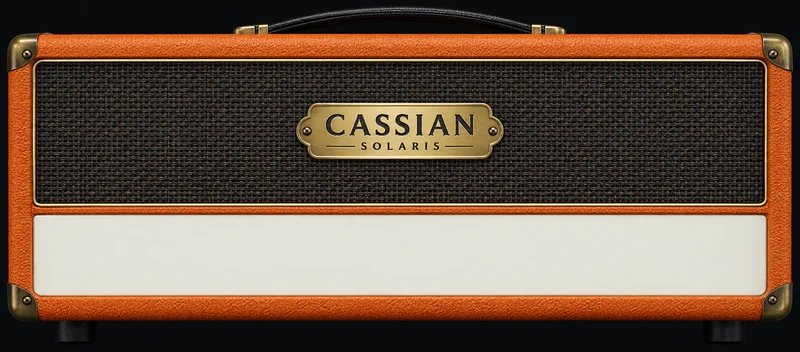
Solaris
A coarse, broad-shouldered crunch that gets thick as you push it. Leave space between big chords, or add fuzz and a low tuning for a slower, heavier riff.
Sonic DNA / Inspired byOrange Rockerverb
Signature Presets 2 starting points
Gain
7
Bass
7
Mid
6
Treb
5
Visual dial guide · start here, then adjust by ear.
08 / Californian Boutique Clean
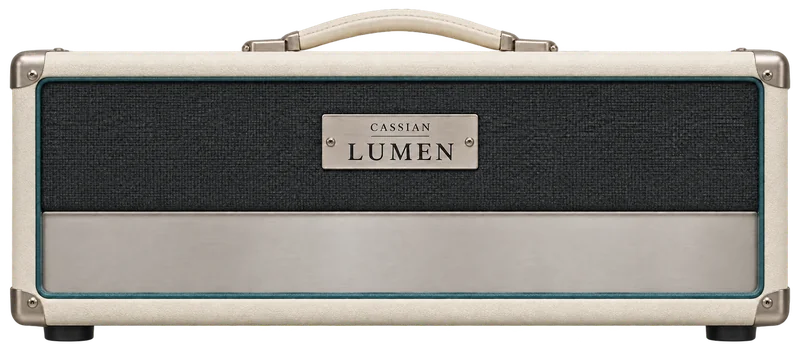
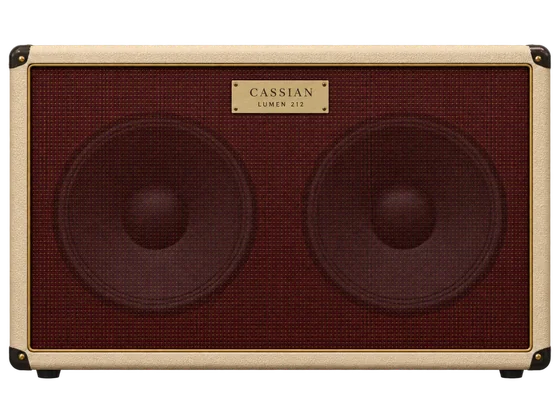
Lumen
Clear lows and a glassy top with room for your pedalboard. Start here for clean arpeggios, compressed funk, or a spacious foundation for chorus and delay.
Sonic DNA / Inspired byFender Twin / Deluxe Reverb
Signature Presets 2 starting points
Bright
On
Volume
4
Treb
7
Bass
5
Visual dial guide · start here, then adjust by ear.
09 / Studio Clean & Acoustic Resonance
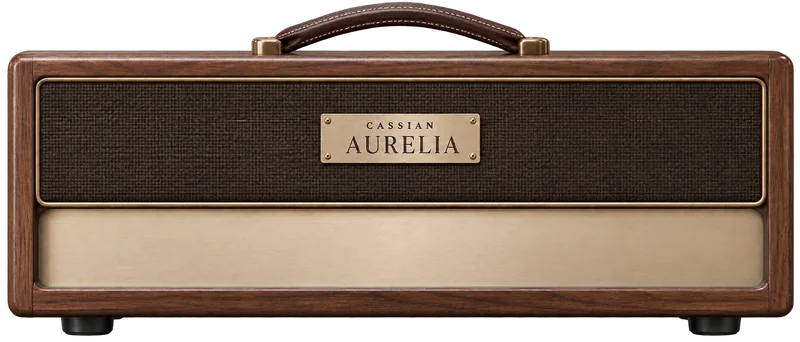
Aurelia
A direct, unsaturated foundation for acoustic and classical-minded parts. Shape the pickup with EQ and a little room; the natural attack stays at the centre.
Sonic DNA / Inspired byRoland Jazz Chorus & studio acoustic DI
Signature Presets 2 starting points
Chorus
On
Rate
4
Depth
6
Visual dial guide · start here, then adjust by ear.
10 / Heavy High-Gain & Tube Bass
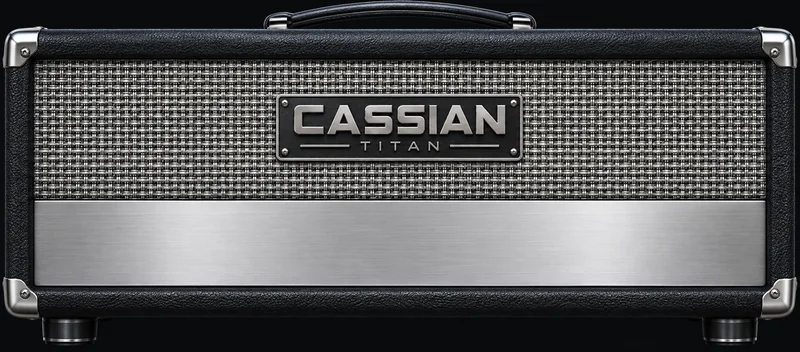
Titan
A broad, rounded bass voice with a warm edge when pushed. Give a walking line some body, or add a little hair beneath a heavy rock rhythm.
Sonic DNA / Inspired bySunn Model T & Ampeg SVT
Signature Presets 2 starting points
Drive
8
Bass
8
Mid
6
Treb
4
Visual dial guide · start here, then adjust by ear.
11 / Modern Metal Low-End
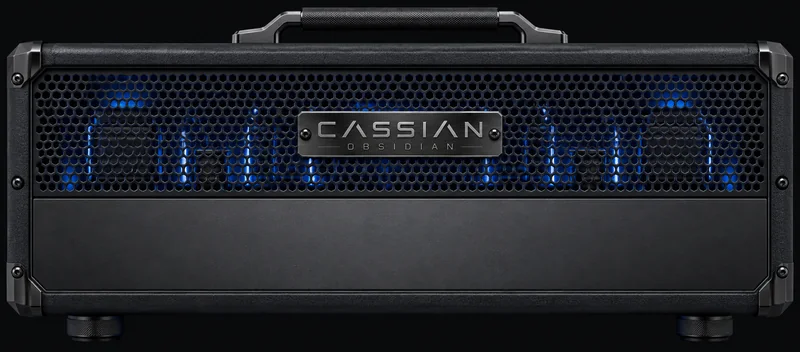
Obsidian
A more assertive bass voice for dense guitars: firm lows, audible string attack and a driven edge. Dial in clean definition or bring the clank forward.
Sonic DNA / Inspired byDarkglass & high-gain bass rigs
Signature Presets 2 starting points
Drive
7
Blend
65%
Grunt
On
Attack
On
Visual dial guide · start here, then adjust by ear.
Sonic DNA describes the tonal references studied during sound design. The app identifies the actual engine or capture behind your sound; Vyper is the native voice in the Viper family.
BUILD THE REST OF YOUR RIG
The details make the sound.
Fourteen stompboxes and a dual-cabinet loader.
Build a familiar chain, then spend your time playing through it.
TWO CABINETS. ONE COHERENT SOUND.
Blend the speaker, keep the attack.
Load and blend two cabinet IRs with sub-sample phase alignment.
Pair the weight of a closed-back cabinet with the openness of a smaller box,
or bring your own IRs to the session.
Your pedalboard, included.
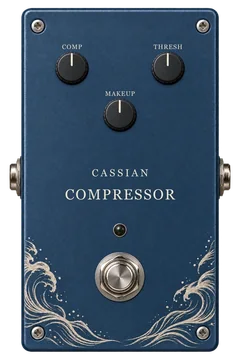
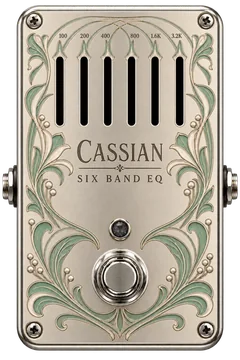
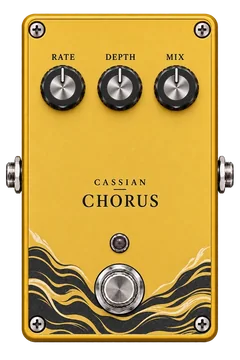
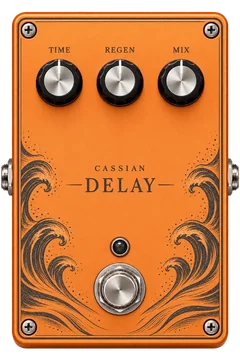
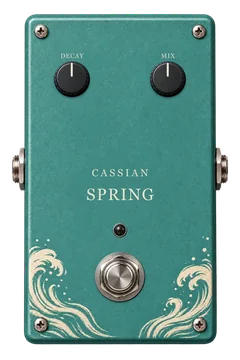
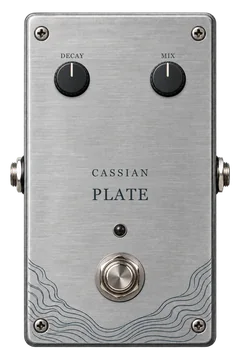
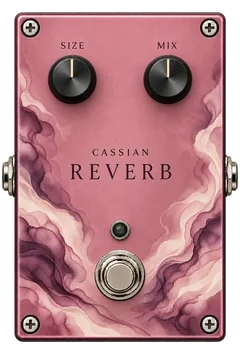
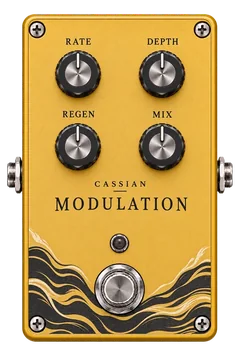
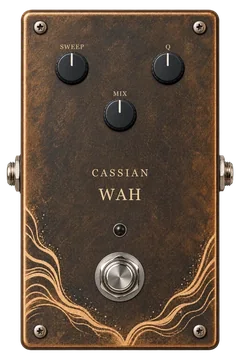
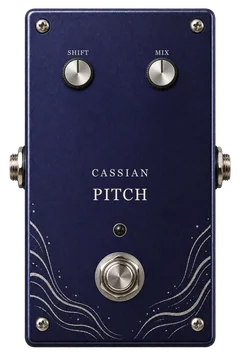
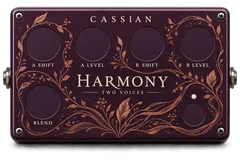
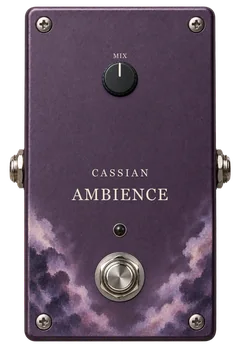
14 STOMPBOXES
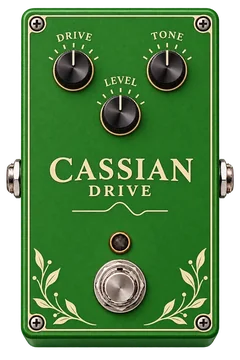
Overdrive
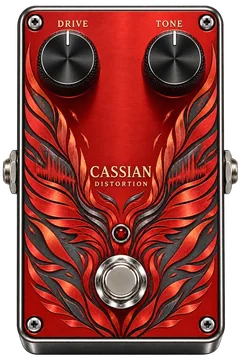
Distortion
Compressor
EQ
Chorus
Delay
Spring
Plate
Reverb
Modulation
Wah
Pitch
Harmony
Ambience
VOICING v6 / SECOND-ORDER ADAA
Feel the pick. Hear the note.
High gain should respond to your hands. Voicing v6 uses second-order antiderivative
anti-aliasing in Ferrum, Bastion and Vyper, with double-precision nonlinear processing
to reduce the unwanted high-frequency artifacts that distortion can introduce.
The result is a smoother drive response that keeps the shape of your attack.
Existing saved rigs retain their chosen sound version.
Nonlinear model math
64-bit double precision
Current sound version
Voicing v6
High-gain anti-aliasing
Second-order ADAA
Cabinet path
Dual IR / sub-sample alignment
Windows formats
Standalone + VST3
NO PLAN TO CHOOSE
100% Free Core Engine.
Standalone + VST3. Zero Subscriptions, Zero Paywalls.
Amps, pedals, the backing band and recording. Install it, plug in, and play offline.
The public beta includes the standalone app and VST3 plugin. Use an audio interface
for your guitar, and your interface’s ASIO driver for low-latency playing.
100% free Core Engine. No subscription or account required to play.